LoRaWAN battery drain is often a radio problem
When a LoRaWAN sensor drains its battery faster than expected, the first assumption is often a bad battery or a device firmware issue. Those problems can happen, but field conditions are just as important. A sensor installed in a poor radio location can spend more energy every time it transmits.
The result is simple: the same sensor, sending the same measurement, can have very different battery life depending on where it is installed and which LoRaWAN settings it uses.
Why data rate affects energy consumption
LoRaWAN data rate changes airtime. Lower data rates can reach farther, but messages stay on air longer. Longer airtime means the radio is active for more time, which increases energy use per message. For a deeper explanation, see the Device Explorer site: LoRaWAN spreading factor, data rate, and airtime.
If a sensor can reliably use a higher data rate from a better location, it can often transmit faster and spend less energy. That difference becomes significant when the device sends frequent measurements.
Why TX power matters
Transmit power is another battery driver. A device transmitting at higher power generally spends more energy than a device transmitting at a lower power level. In difficult locations, teams may be tempted to increase TX power to make the link work, but that can hide a placement problem and reduce battery life.
The better approach is to test the location and compare settings. If moving the sensor or antenna slightly allows lower TX power and a reliable data rate, the deployment gets both better reliability and lower energy use.
Placement can create large battery differences
Walls, metal enclosures, underground rooms, machinery, and antenna orientation can all change the link budget. A sensor placed behind equipment may need a slower data rate or higher TX power, while the same device a short distance away may communicate efficiently.
That is why battery optimization should happen before installation. Once a sensor is installed in a hard-to-access location, every replacement battery or support visit becomes more expensive.
How to reduce LoRaWAN battery drain
- Test from the exact sensor location before final installation.
- Compare candidate locations instead of relying on a single measurement.
- Verify the best data rate that remains reliable.
- Use the lowest transmit power that still provides a stable link.
- Look for gateway redundancy when the application is operationally important.
- Document the selected location and settings for future support.
How Loptimizer helps
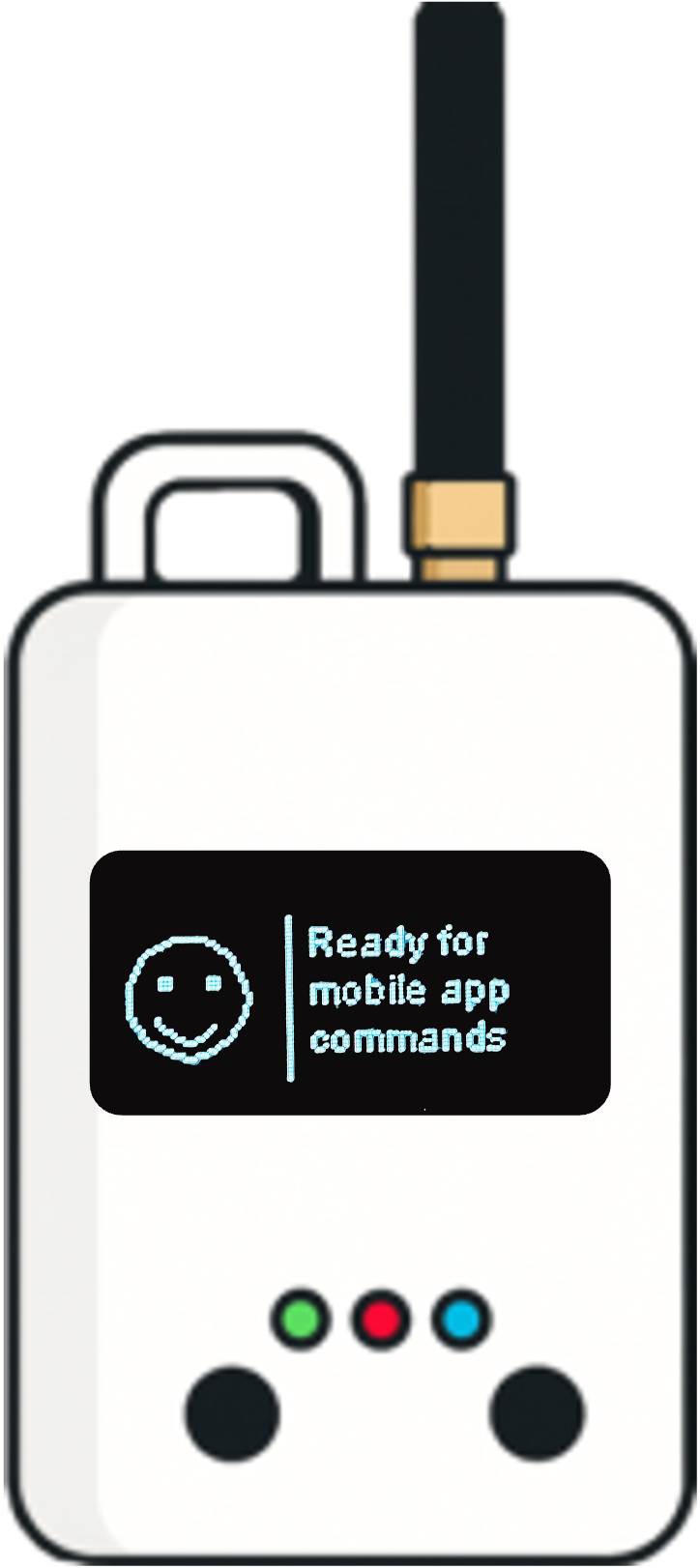
Loptimizer combines the Loptimizer mobile app with the Pocket Tester hardware to measure the real field link and compare LoRaWAN data rate and TX power combinations. It then highlights the configuration that balances reliability and energy efficiency, with battery impact estimates that make the tradeoff visible.
For teams deploying smart buildings, utilities, industrial monitoring, or city infrastructure, that turns battery life from a guess into an installation criterion. Teams planning larger networks can also see the Device Explorer site: Adaptive Data Rate and LoRaWAN capacity, which explains how ADR affects airtime, gateway density, and battery impact.