Why a LoRaWAN field tester matters
A LoRaWAN coverage map can help with planning, but it does not prove that a sensor will work from the exact location where it will be mounted. A metal cabinet, basement wall, elevator shaft, equipment room, or roofline can change the radio link enough to turn a simple installation into a maintenance problem.
A LoRaWAN field tester gives installers a direct way to validate the installation point. Instead of relying only on a gateway location or a predicted coverage zone, the team can test from the sensor position, measure the link, and document the result before the final sensor is installed.
What to measure during a field test
- RSSI shows received signal strength and helps identify weak radio paths.
- SNR shows the signal-to-noise ratio and is often more useful than raw strength for LoRaWAN reliability.
- Gateway reception shows whether one or several gateways can hear the device.
- Gateway redundancy helps avoid single-gateway dependency when the installation is important.
- Data rate confirms whether the device can communicate with shorter airtime and lower energy use.
- TX power confirms whether the sensor needs maximum transmit power or can operate at a lower level.
A practical site testing workflow
Start by testing the exact mounting location, not a nearby office or hallway. If the link score is weak, move the tester in small increments and repeat the test. A few meters can be enough to move from a marginal path to a reliable one. For broader deployment planning, see the Device Explorer site: LoRaWAN coverage mapping, which helps connect those site measurements to gateway placement and rollout decisions.
For critical assets, test more than one location and compare the results. The best location is not always the strongest raw signal. A location that supports a better data rate, lower transmit power, and more gateway redundancy can be a better long-term choice.
How Loptimizer supports field testing
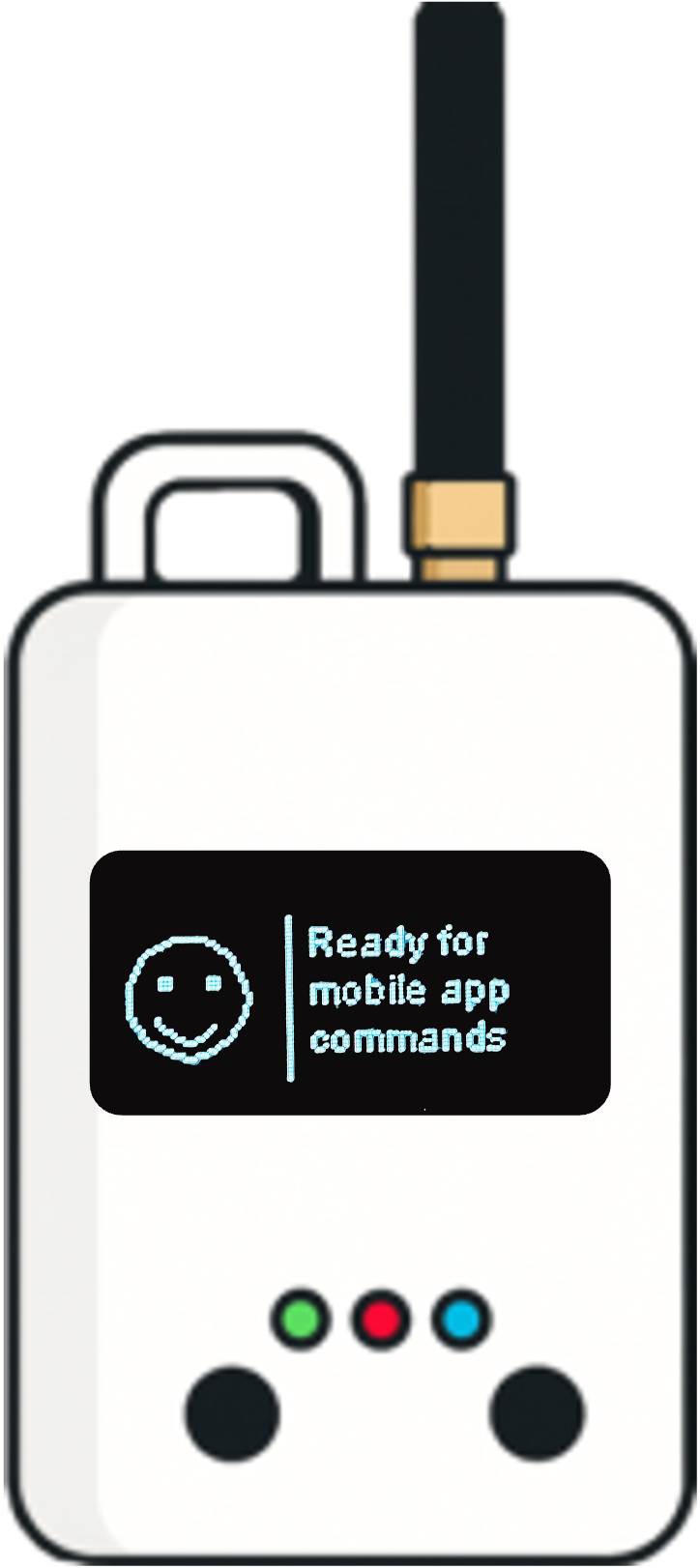
Loptimizer is the complete field testing product: the Loptimizer mobile app plus the Pocket Tester hardware. The app connects to the Pocket Tester over Bluetooth, so the installer can run LinkCheck tests, review signal quality, save results, and use the optimization workflow to compare data rate and transmit power combinations.
That makes the decision visible: the installer sees which settings are reliable, which settings fail, and which configuration gives the best balance of link quality and energy efficiency.
What a good result looks like
A good LoRaWAN field test should produce a result that is easy to defend later. It should show the tested location, the radio settings, the score, signal indicators, and the recommended configuration. This matters when a deployment grows from a pilot into hundreds or thousands of sensors.
With documented field tests, teams can standardize installation quality, reduce callbacks, and avoid deploying sensors in locations that were always likely to drain batteries or lose messages.