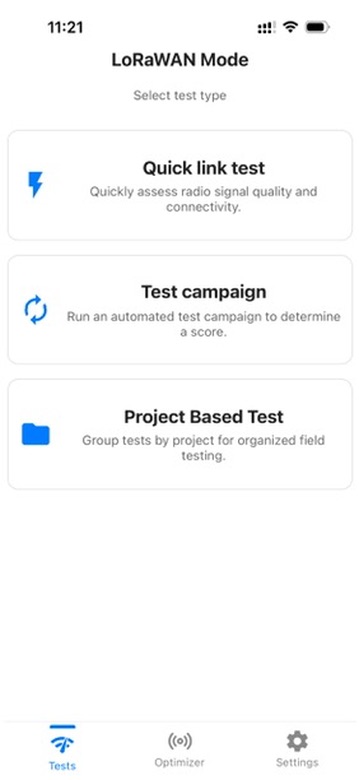
Select Quick link test
Open the Tests menu, then tap Quick link test.
Follow these three steps to run a quick LoRaWAN link test and review the result.
Open the Tests menu, then tap Quick link test.
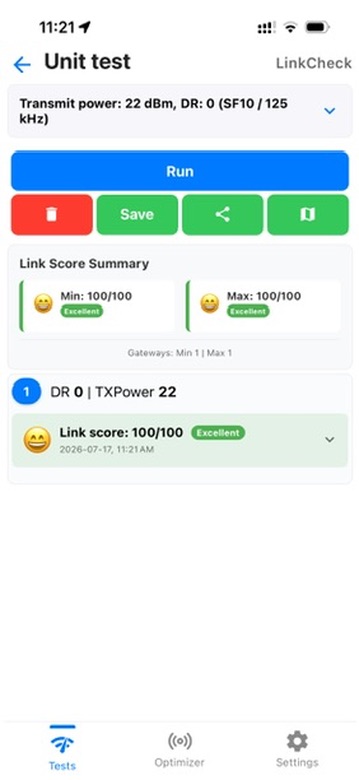
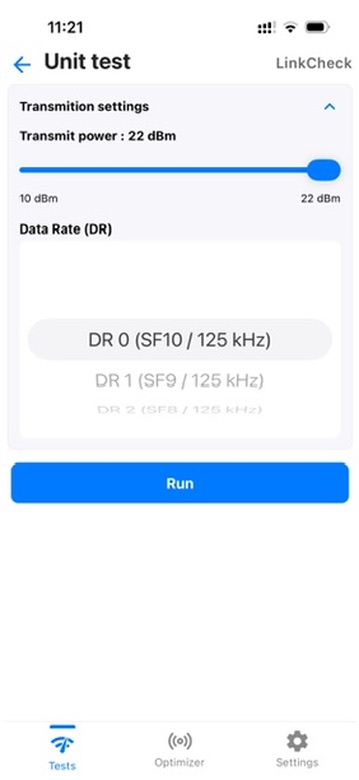
Set Transmit power to the maximum value, then select the minimum data rate, DR 0 (SF10 / 125 kHz).
Tap Run. When the test finishes, check the Link Score Summary and the Link score shown in the result card.