Support

Start field testing with Loptimizer.

Use this quick onboarding guide to prepare the Pocket Tester hardware, install the mobile app, and get ready for LoRaWAN signal checks at the installation site.

Getting started

Onboard Loptimizer in three steps

Before starting, confirm every item is included in the package and keep the device switched on while charging.

1

Download the app

Install the Loptimizer app on the phone or tablet your field team will use during installation.

  • Download Loptimizer from the App Store or Google Play.
  • Open the app on the mobile device.
  • Use demo mode if you want to explore the workflow before pairing hardware.
2

Prepare the device

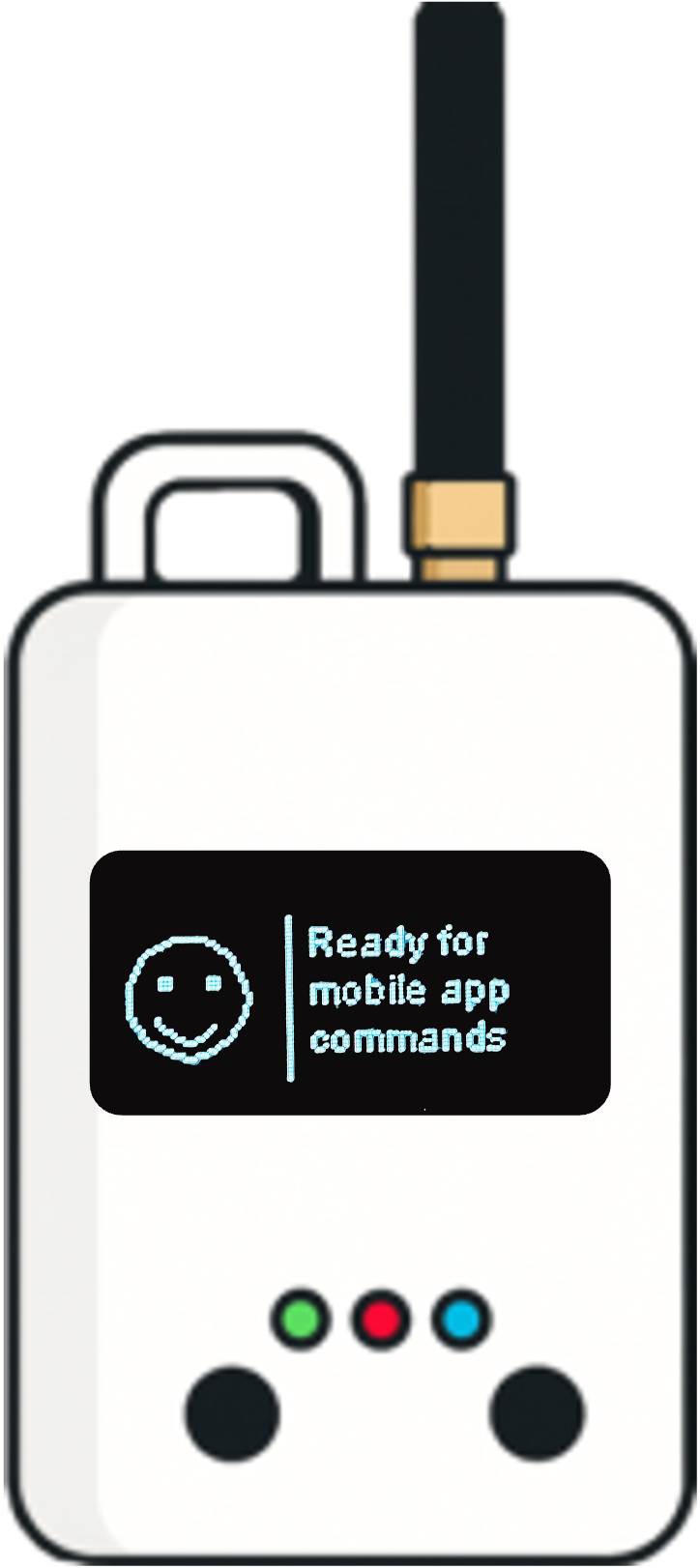
Set up the Pocket Tester hardware before going into a LinkCheck or optimization campaign.

  • Screw the SMA Rubber LoRa antenna onto the device and tighten it securely by hand.
  • Slide the power switch up to turn on the device.
  • Wait about five seconds for the screen and green LED to turn on.
  • Open the bottom cover and connect the Type-C cable to a 5V/2A power adapter or PC.
3

Ready to use

Once the device is powered and charged, finish the hardware check and start the mobile workflow.

  • Unplug the cable if needed after charging.
  • Close the bottom cover securely.
  • Open the Loptimizer app on your phone or tablet.
  • Keep the device on for testing, then turn off the switch when not in use to conserve power.

Test Loptimizer before buying

You can test the Loptimizer mobile app for free. Install the app and open demo mode to explore the workflow before buying the hardware.

Buy Loptimizer

Leave your contact information and country. We'll contact you as soon as possible to confirm availability and compatibility for your region.

Contact support

Describe the issue and include the product DevEUI if you have it. The Pilot Things support team will follow up by email.