Back to Documentation Getting started

Onboard Loptimizer in three steps

Before starting, confirm every item is included in the package and keep the device switched on while charging.

1

Download the app

Install the Loptimizer app on the phone or tablet your field team will use during installation.

  • Download Loptimizer from the App Store or Google Play.
  • Open the app on the mobile device.
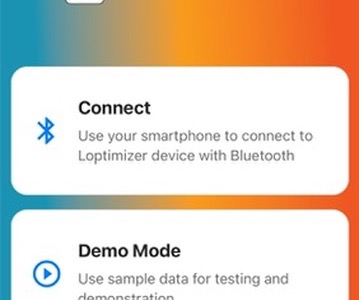
  • Use demo mode if you want to explore the workflow before pairing hardware.
2

Prepare the device

Set up the Pocket Tester hardware before going into a LinkCheck or optimization campaign.

  • Screw the SMA Rubber LoRa antenna onto the device and tighten it securely by hand.
  • Slide the power switch up to turn on the device.
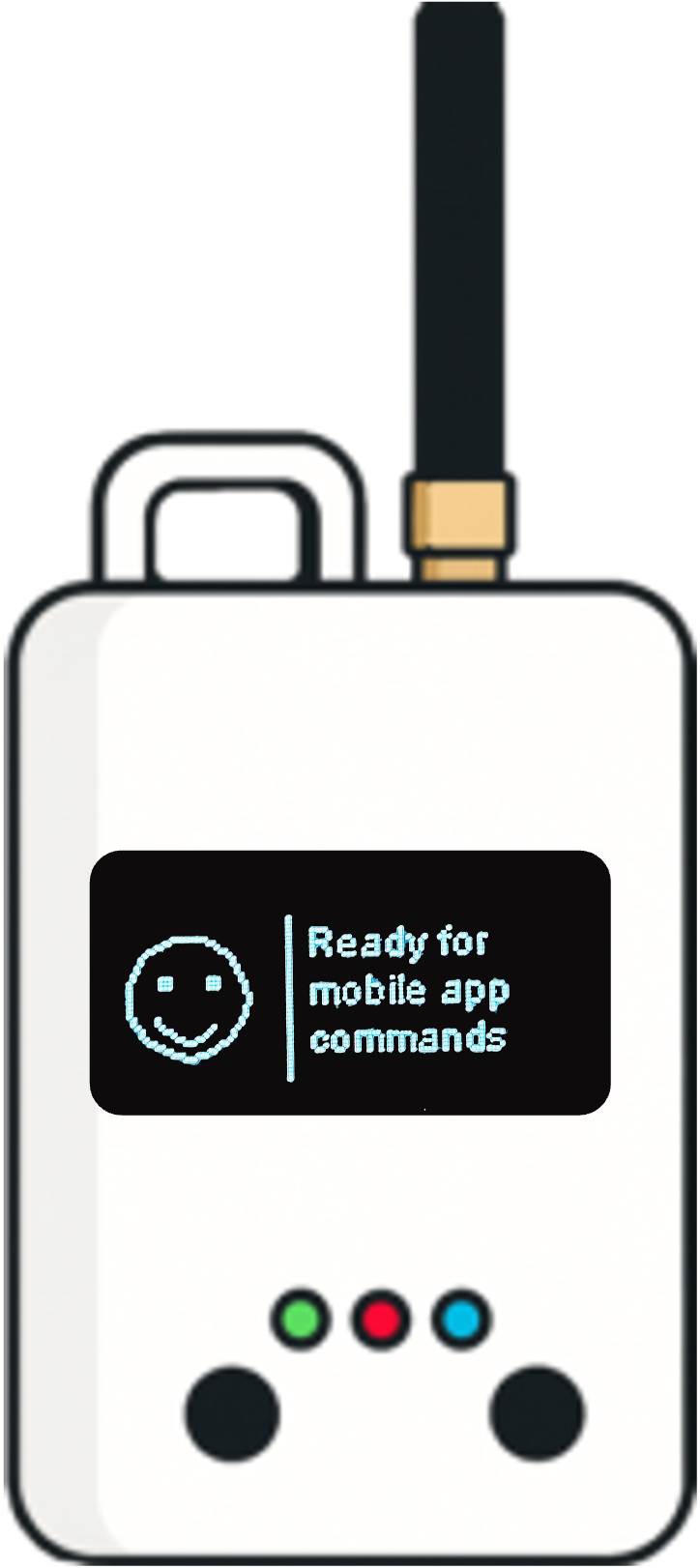
  • Wait about five seconds for the screen and green LED to turn on.
  • Open the bottom cover and connect the Type-C cable to a 5V/2A power adapter or PC.
  • Unplug the cable if needed after charging.
  • Close the bottom cover securely.
3

Ready to use

Once the device is powered and charged, finish the hardware check and start the mobile workflow.

  • Open the Loptimizer app on your phone or tablet.
  • The default LoRaWAN region is US915. If you need to change it, after connecting go to the Settings menu, then LoRaWAN, and select the correct region.
  • Keep the device on for testing, then turn off the switch when not in use to conserve power.

Change the LoRaWAN region

Step 1
Loptimizer app Settings screen listing Device, LoRaWAN, Test score, and Energy score menu entries.
In Settings, tap LoRaWAN.
Step 2
Loptimizer app LoRaWAN screen with DevEUI, AppEUI, and AppKey fields, and a Region picker set to US915.
Select the correct region.
Step 3 (optional)
Loptimizer Pocket Tester device screen showing LoRaWAN status, DevEUI, and Region: US915.
On the device, press the left button to cycle to the LoRaWAN status screen and confirm the region.

Test Loptimizer before buying

You can test the Loptimizer mobile app for free. Install the app and open demo mode to explore the workflow before buying the hardware.

Buy Loptimizer from Pilot Things

Leave your contact information and country. The Pilot Things sales team will contact you to complete your Loptimizer order.

Contact support

Describe the issue and include the product DevEUI. The Pilot Things support team will follow up by email.