Select Project Based Test
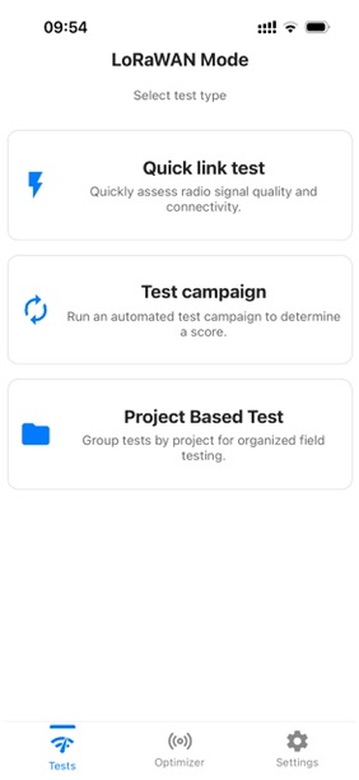
Open Tests in LoRaWAN Mode, then tap Project Based Test.
Follow these eight steps to create an indoor project, test a floor, save the result, and review the campaign summary.
Open Tests in LoRaWAN Mode, then tap Project Based Test.
On the Project screen, tap Add Project.
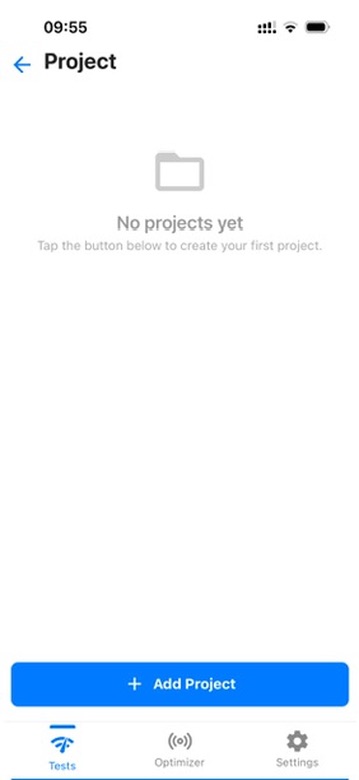
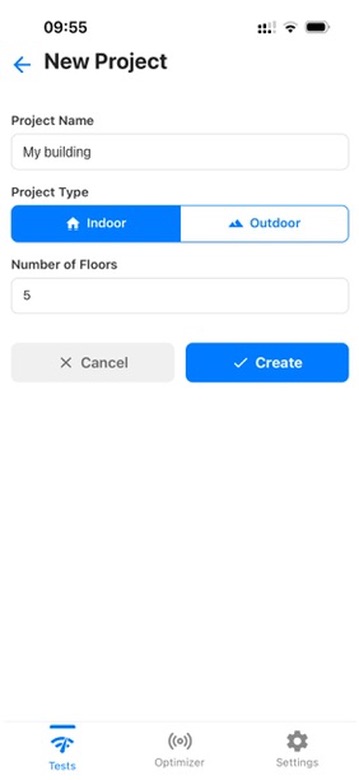
Enter a project name, select Indoor, set the number of floors, then tap Create.
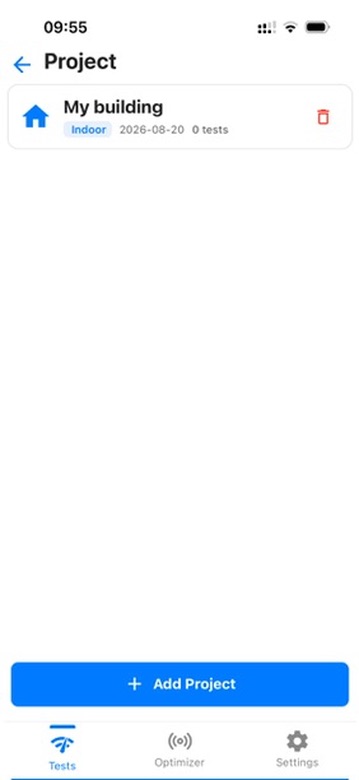
Tap the project you just created to open its floor list.
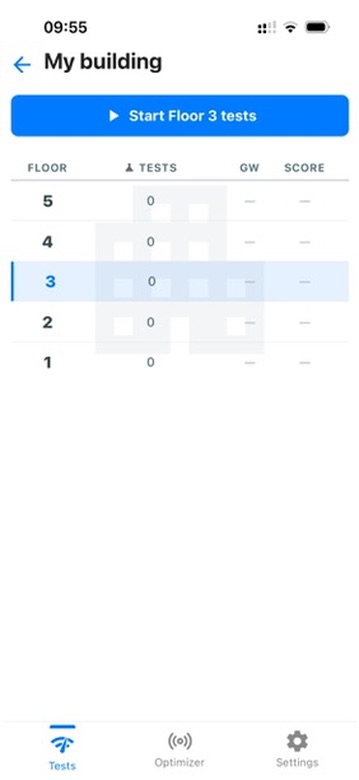
Select the floor you want to test, then tap Start Floor tests.
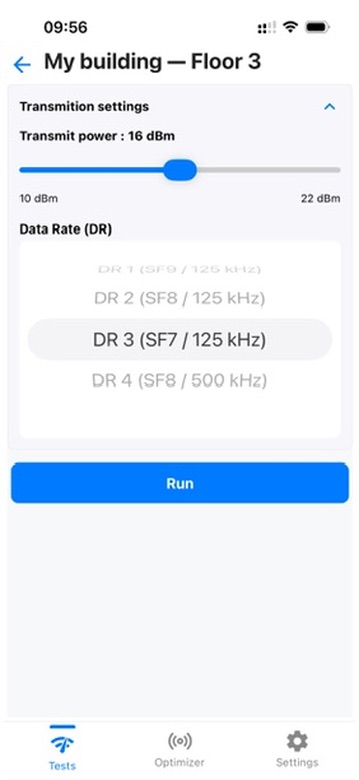
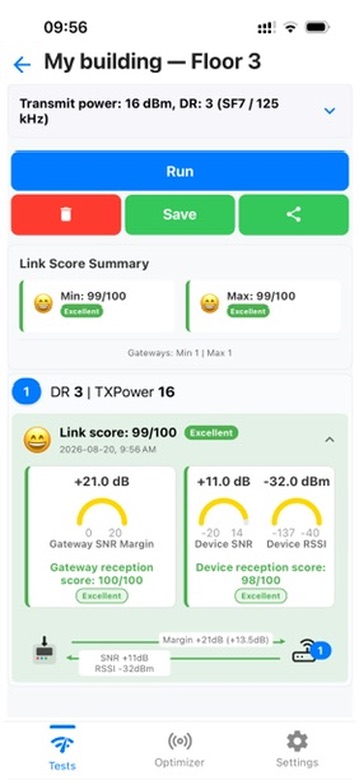
Choose the transmit power and data rate for this measurement, then tap Run.
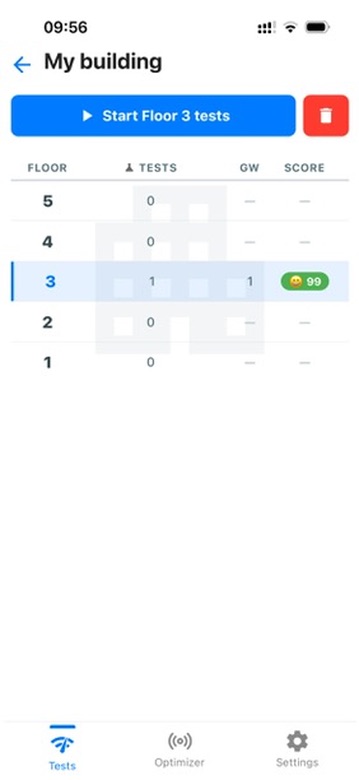
Review the link score, then tap the back arrow in the app to return to the campaign summary.
The project shows the saved test count, gateway count, and score for the selected floor. When multiple tests are performed, the displayed score is the average of their link scores. Repeat the floor test wherever you need another measurement.